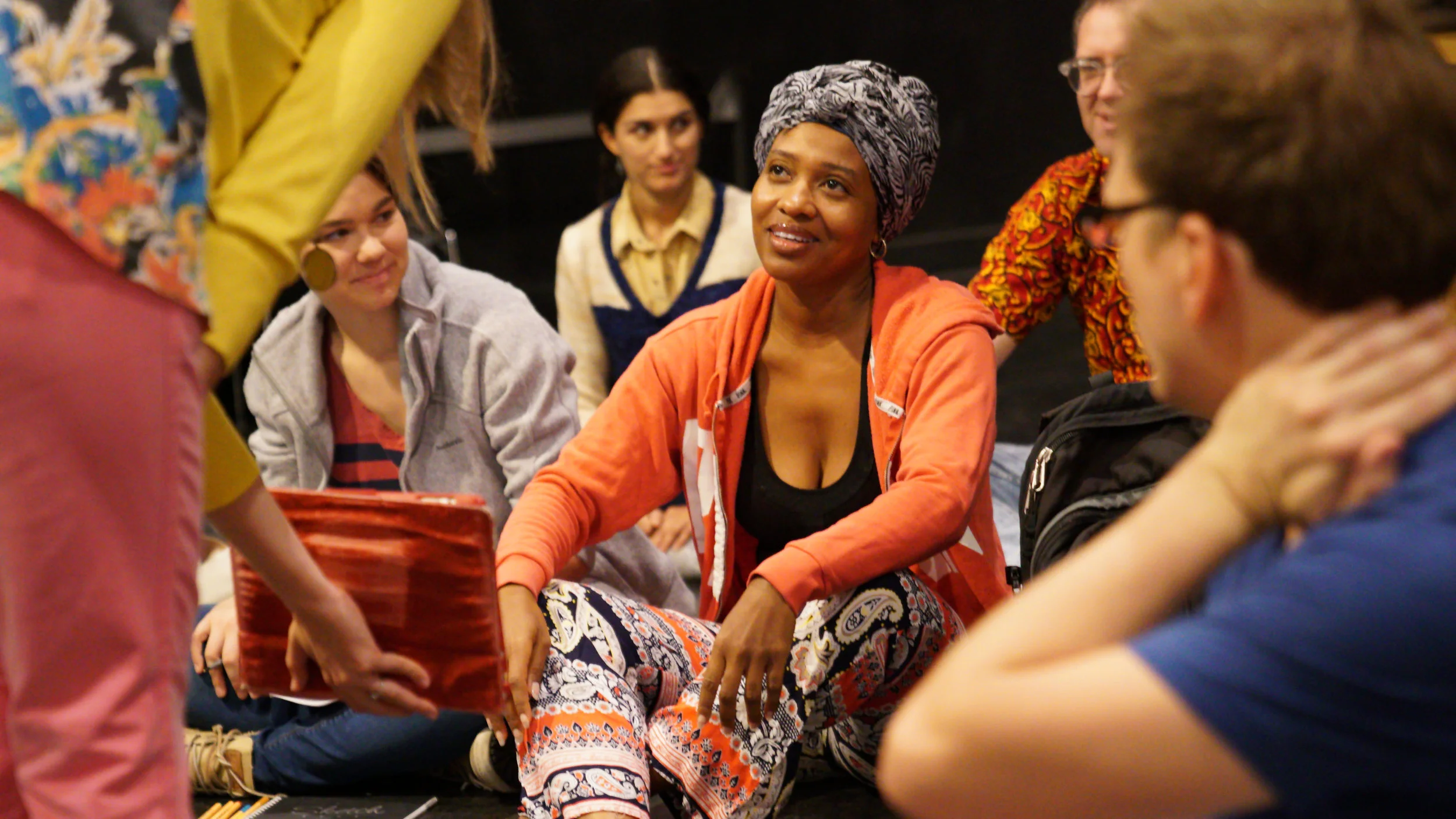
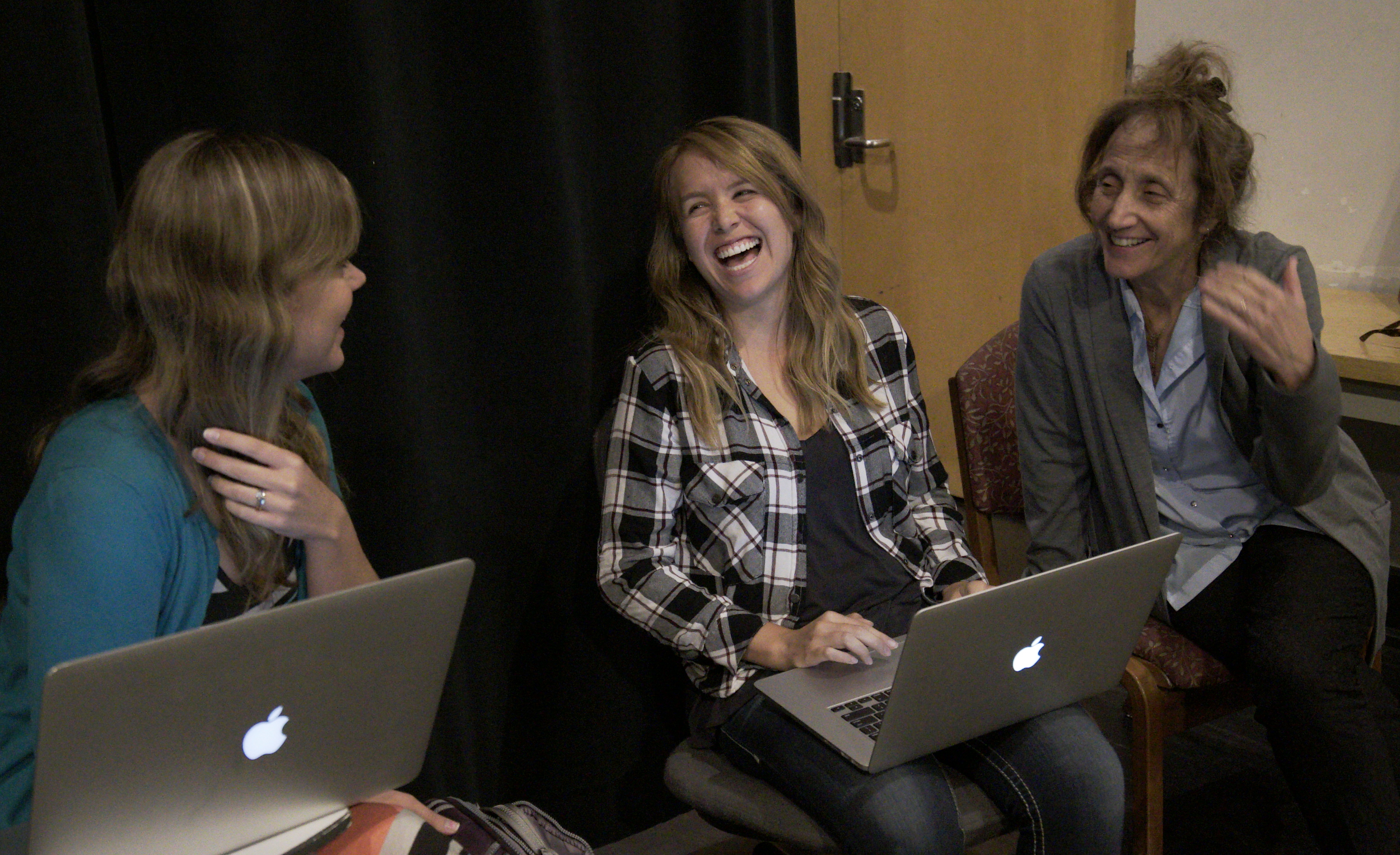
"Atlas of Creative Tools" is a 7.5-week class culminating in an online portfolio of creative work. Since this was unlike anything we'd produced for ASU before, we shadowed the in-person classes to align future iterations with a more cohesive student experience — taking notes, occasionally joining activities, and fixing website issues in real time as we spotted them. At the end of each class, we asked students for feedback and let them know they were helping shape the course's direction.
Case Study — Hybrid Learning Design
Atlas of Creative Tools
Bringing choreographer Liz Lerman's nationally recognized studio workshop into an online classroom — without losing what made it feel alive in person.
90%+
of students responded to the end-of-course survey
7.5 → 15
weeks — the course length change driven by student feedback
3
students sat down for unstructured follow-up interviews
Phase 1
Finding comfort in ambiguity
Liz is a high-level, creative thinker. In our initial kick-off meetings, we learned to be okay with ambiguity — our job was to define and shape the project to match her vision. As the interaction designer, that meant creative freedom, and taking the lead on developing the online experience.
01
Define the brand and UI visual standards for the online classroom, and art direct in-person video shoots for brand uniformity.
02
Front-end development of the course shell.
03
Create media and activities that engaged students in active learning, within limited developer resources.
04
Ensure the student experience flowed cohesively from the in-person classroom into the online environment.
Brand & UI
A celestial theme, warmed up
We explored many directions before settling on a celestial theme — star maps that gave students room to explore and chart their own creativity. To balance the "cold and endless" feel of space, we paired it with warm colors and shot lecture videos with the instructors in an inviting, human space.
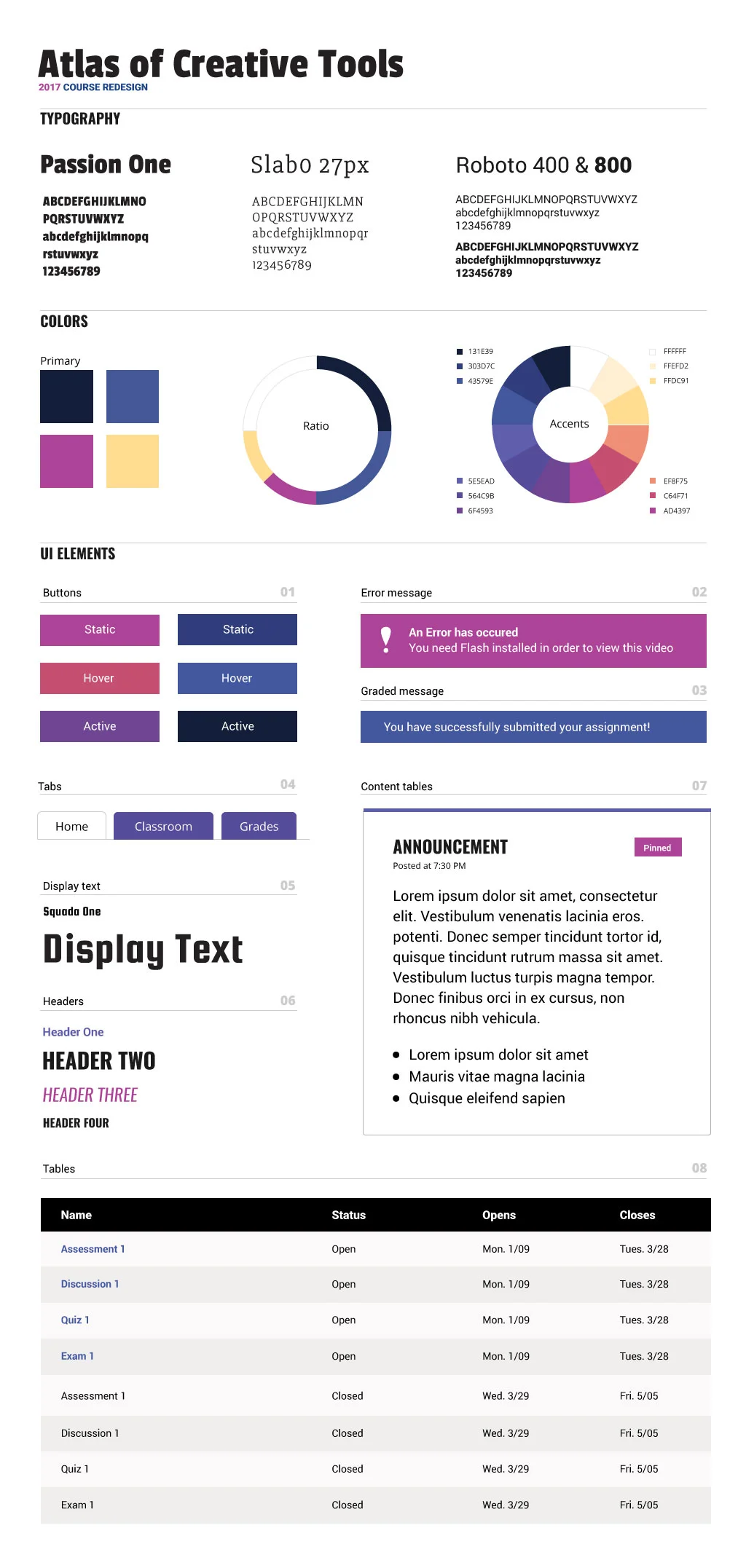
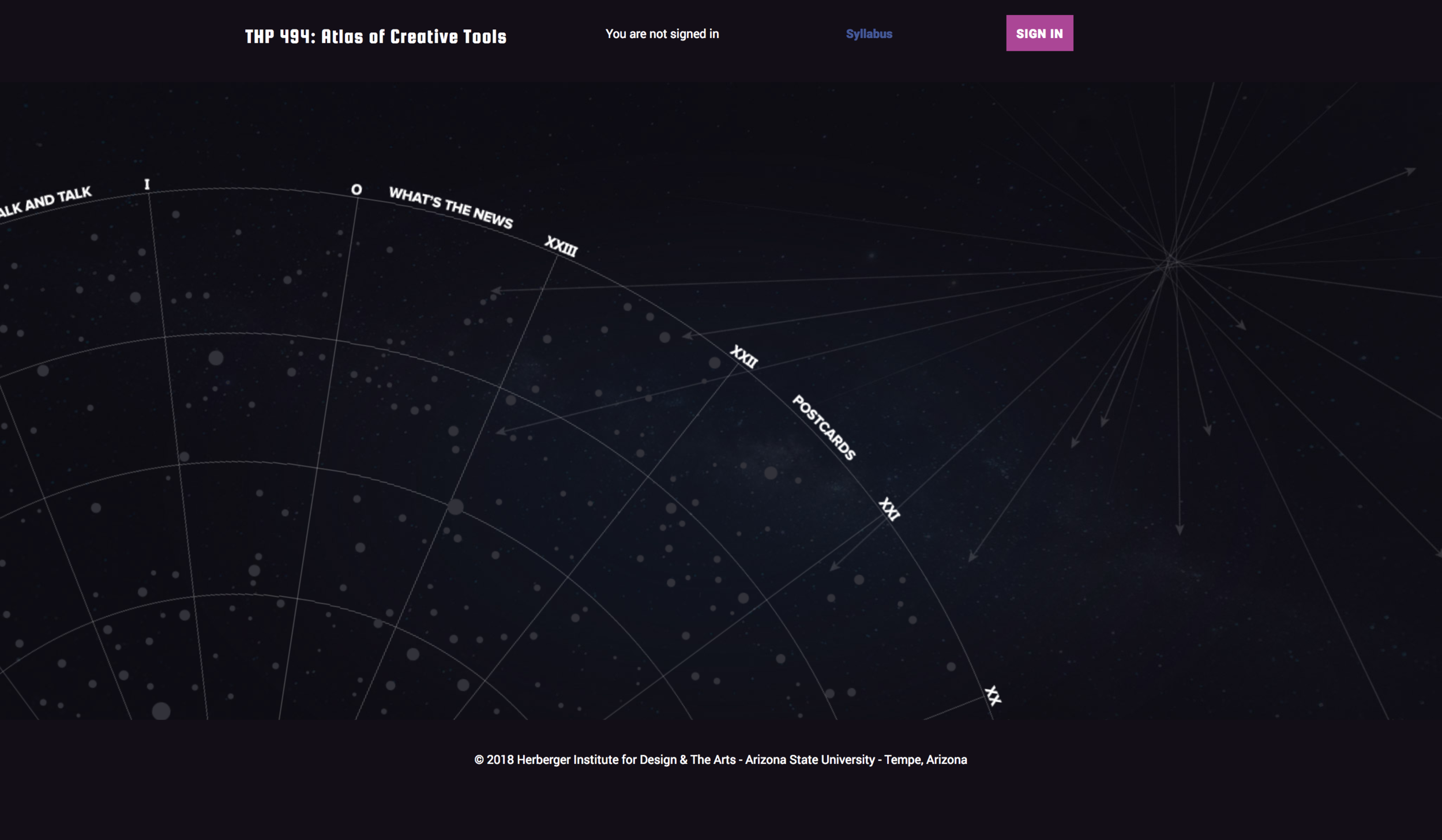
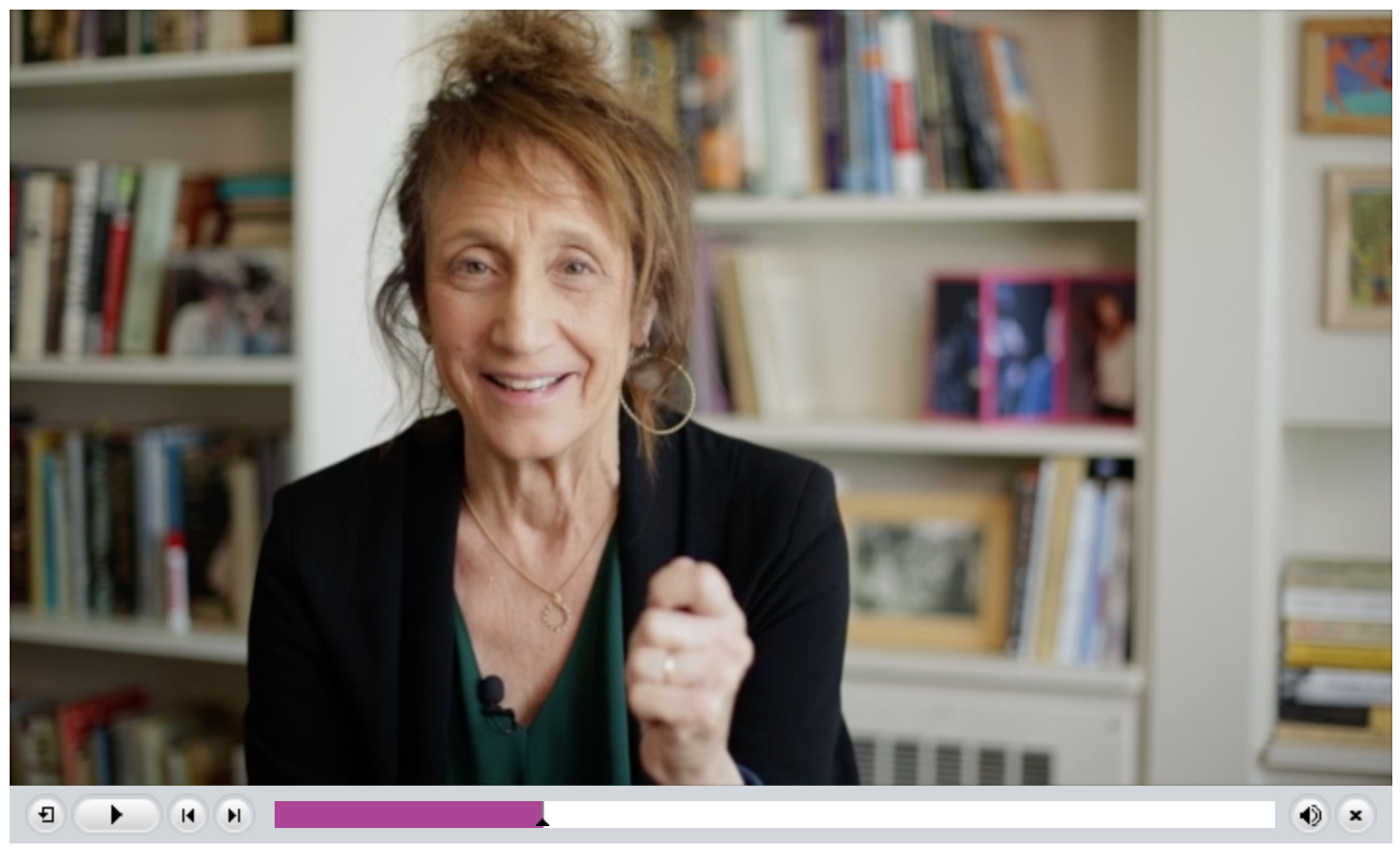
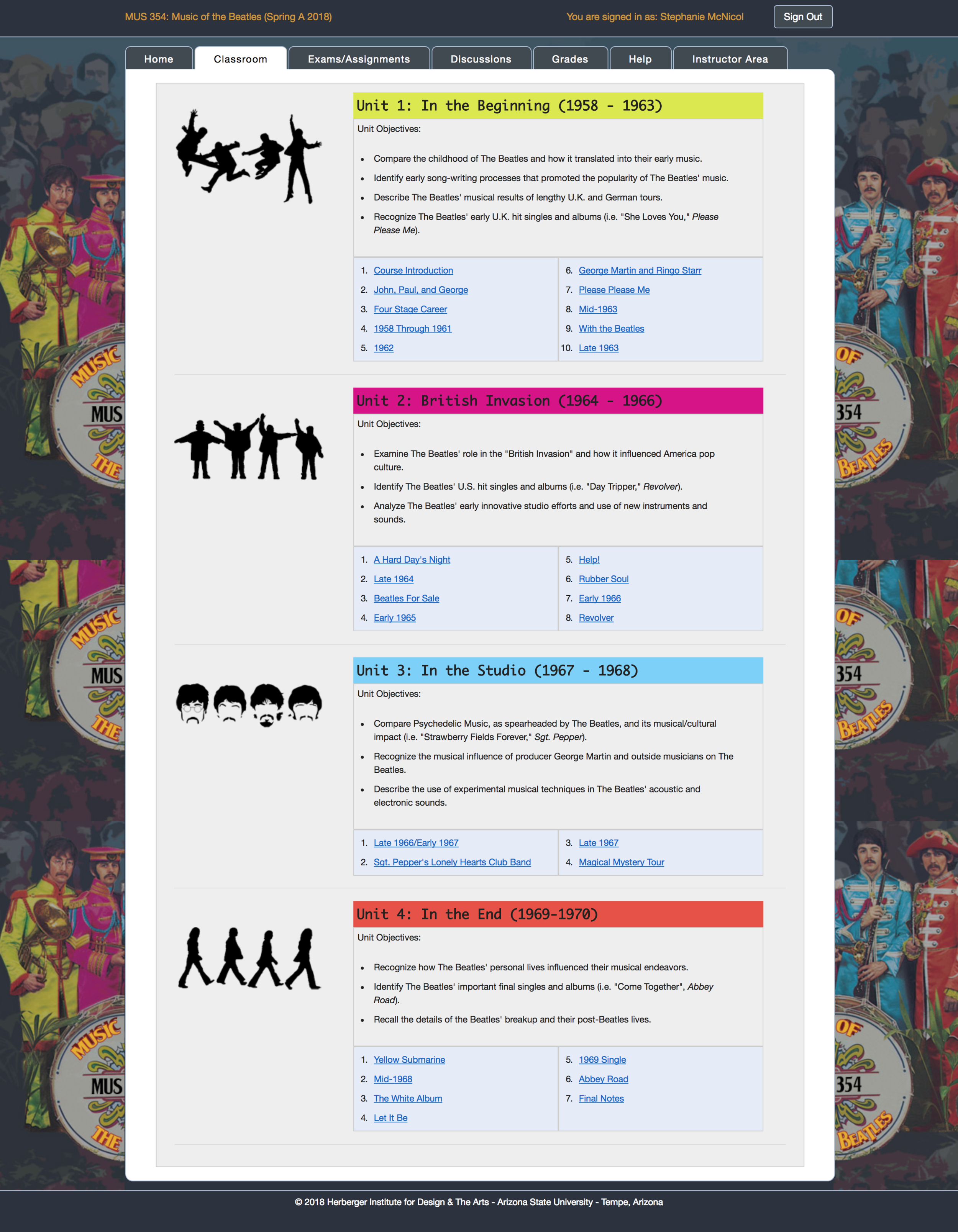
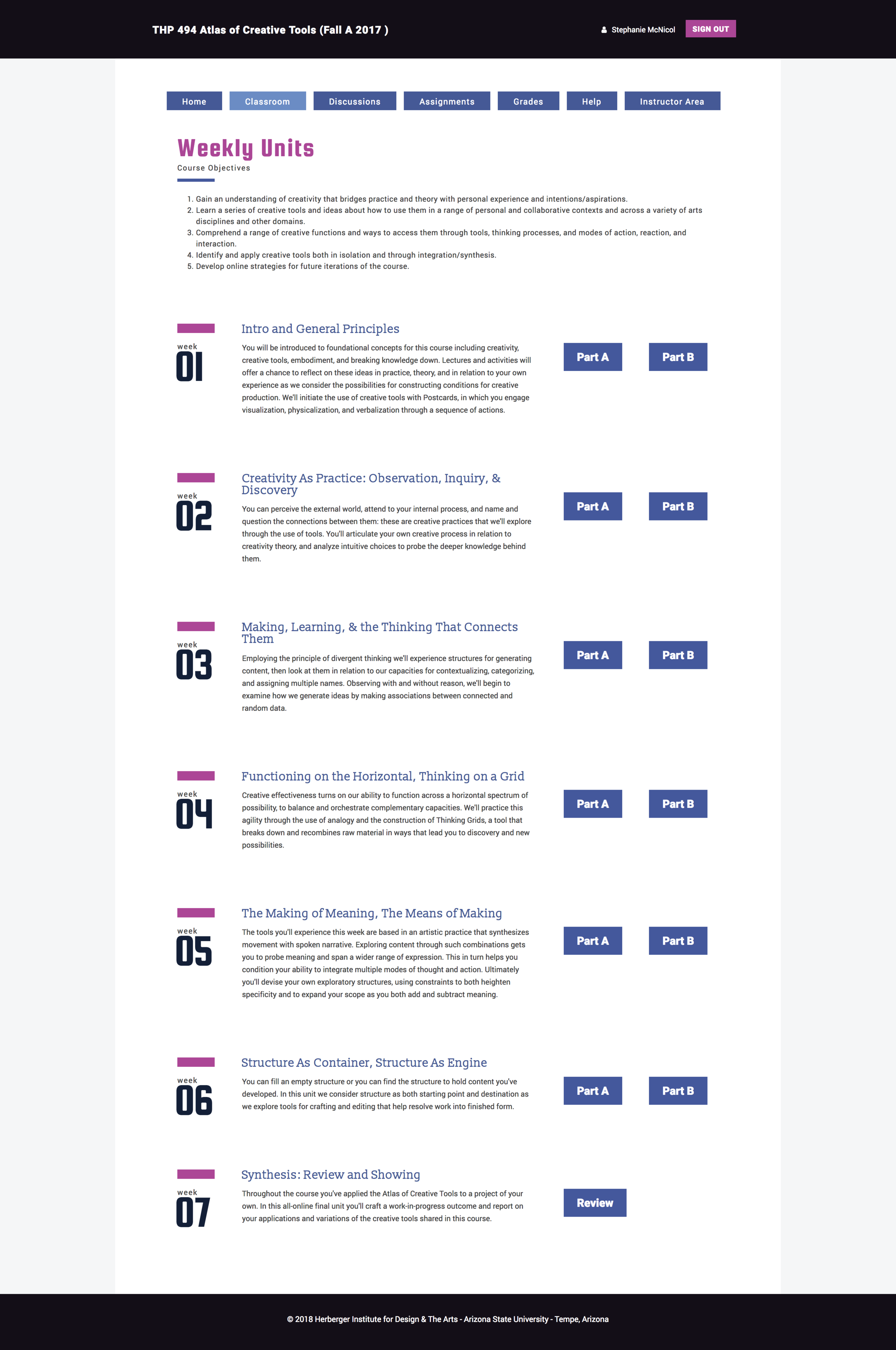
The template shell (center) became the base for future course creation, including auto-graded assignments and gated, pace-controlled modules.
Engagement
Designing against passive learning
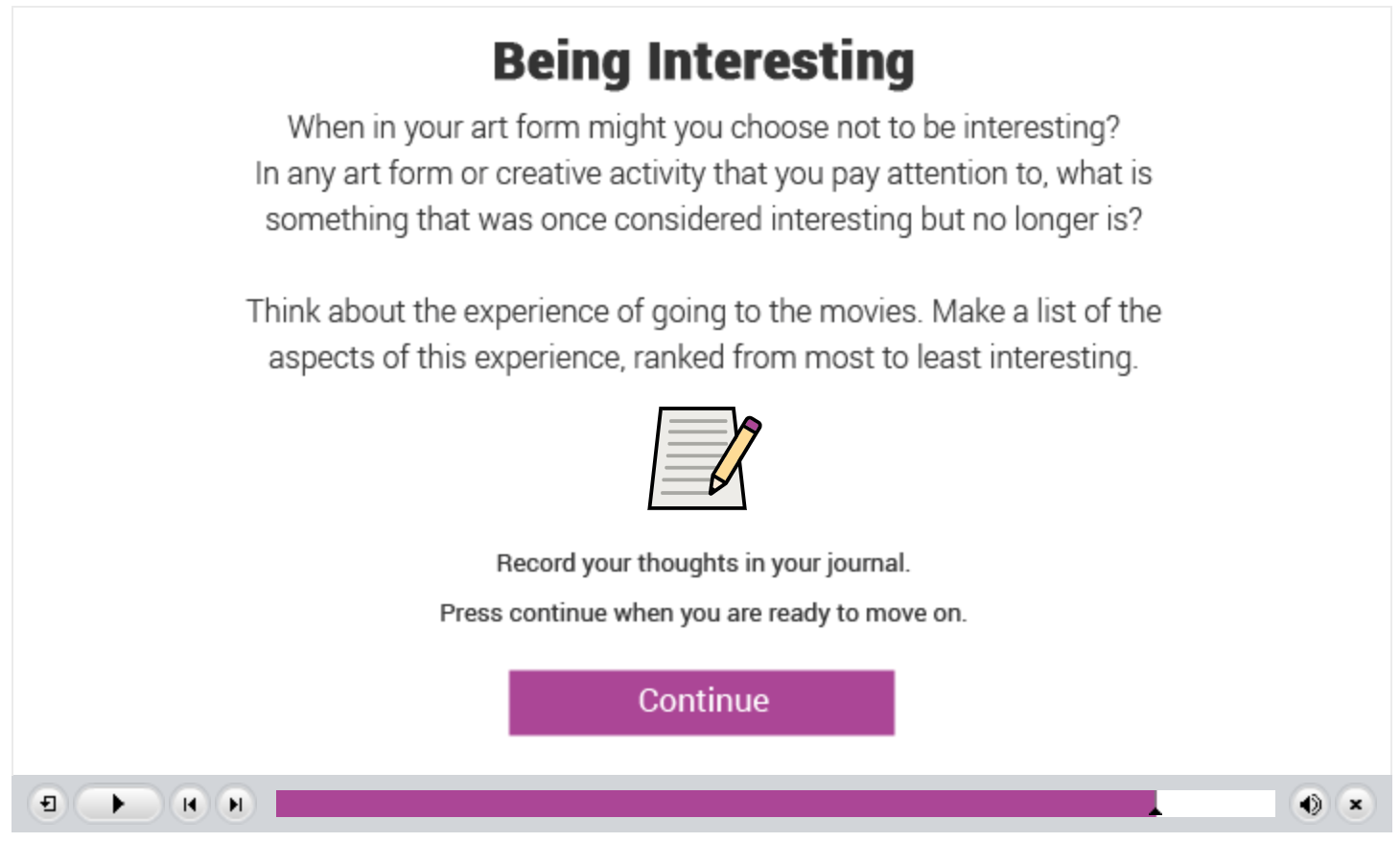
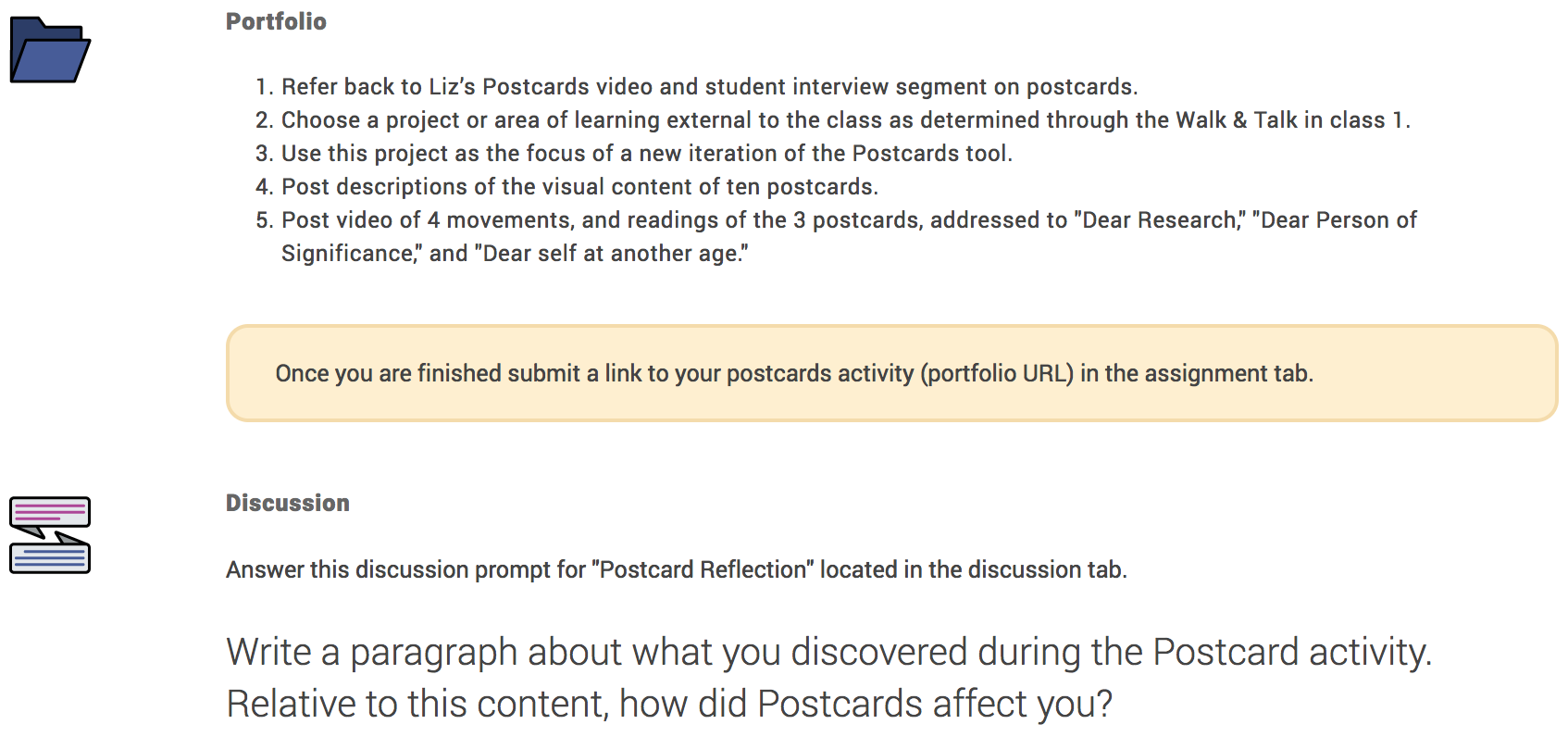
We needed to bring Liz's very active, in-person learning style into the e-learning environment. We built in student journals and used Adobe Captivate to insert reflective questions, prompts, and mini physical activities — with a custom icon set so students could tell at a glance what each moment was asking of them, reducing the cognitive overload of learning new material and a new interface at once.
Phase 2
Research and iteration
The first iteration launched in August 2017. We knew it would take a couple of iterations before the course was ready for a fully online experience. In this phase, I collected qualitative and quantitative research to shape what came next.
01
Implement UX research methods: unstructured interviews, in-person observations, contextual inquiries, questionnaires.
02
Gather and analyze qualitative and quantitative research.
03
Implement changes to the learning experience based on student feedback.
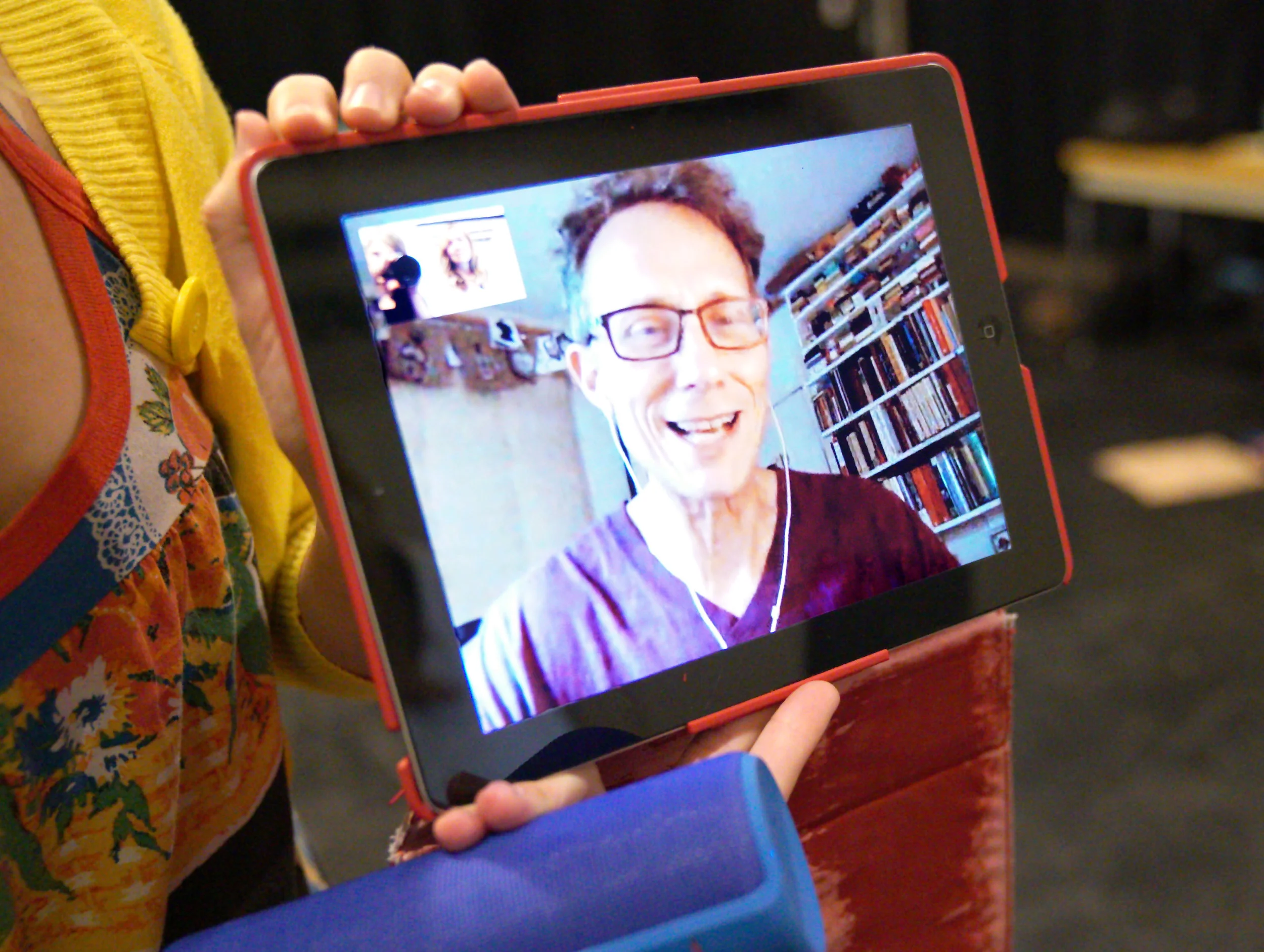
“The ladies at Herberger Online Learning brought my vision for Atlas to life when no one else could.” — Liz Lerman
Findings & Outcome
Longer runway, easier help
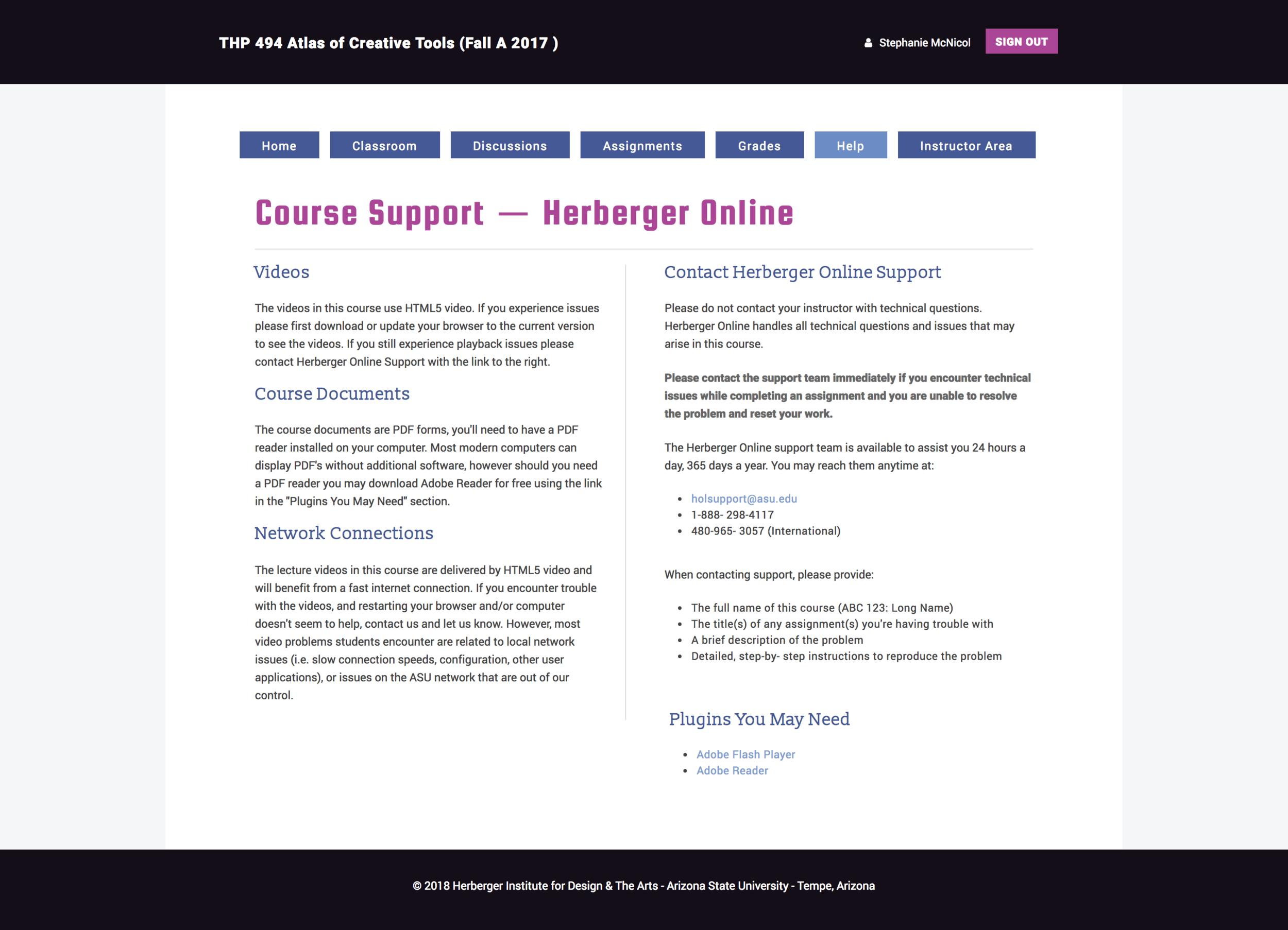
The biggest takeaway: students felt 7.5 weeks was too short to learn and apply the material. They were also struggling to resolve technical issues on their own. Based on those two findings, the course grew to 15 weeks spanning the full semester, with two added in-person weekend workshops — and the help experience was rebuilt from scratch.
Before — Text-Heavy Help Page
After — Help Forum
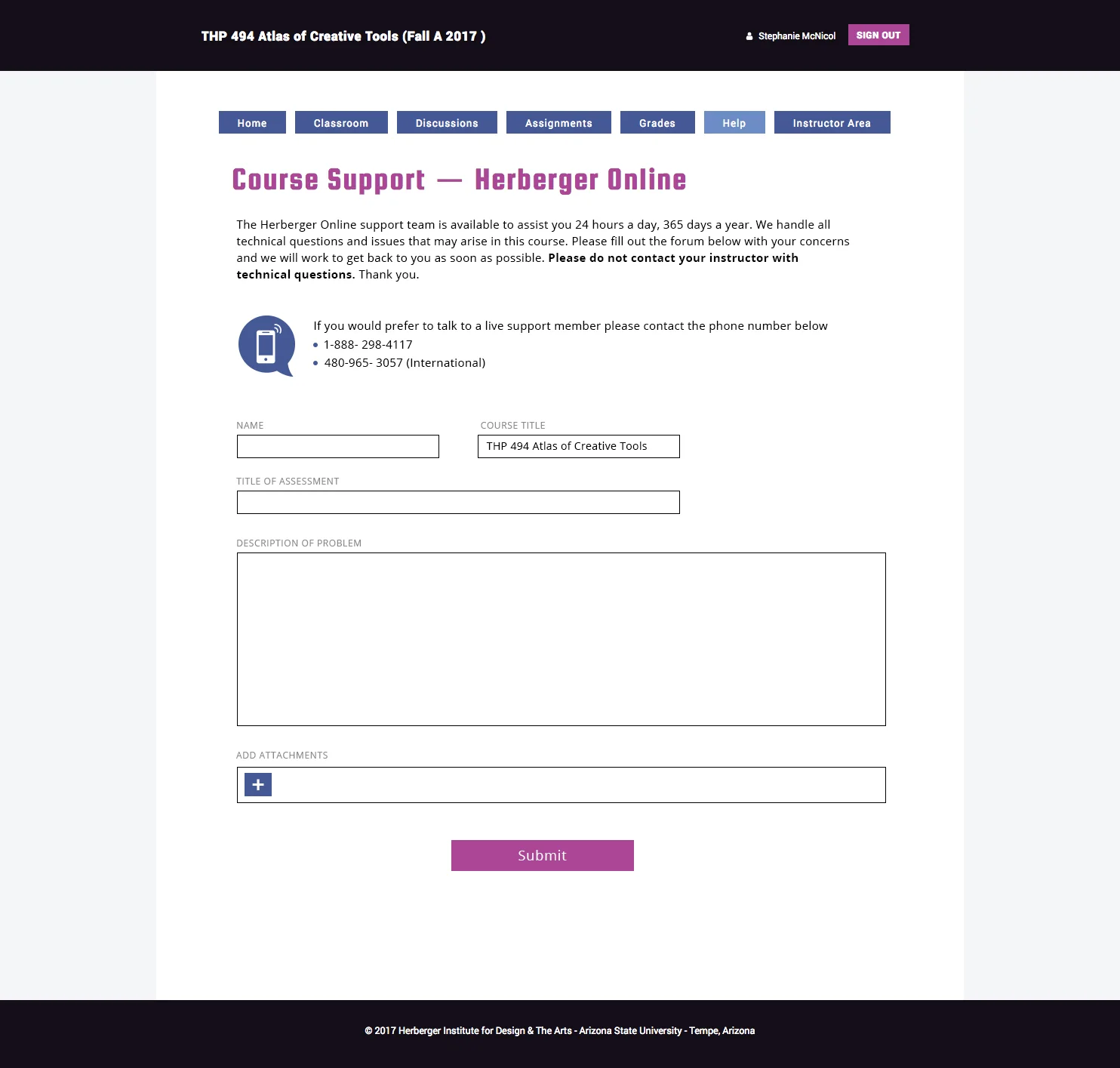
The text-heavy help page became a forum with a clear place to submit tickets — fewer steps, and language simplified for non-technical students. The second iteration of Atlas ran Spring 2018.